Nafpaktos

Nafpaktos or Naupactus (Ναύπακτος in Greek) is a small town in Aetolia-Acarnania, West Greece, Greece. It has around 31000 residents and it is very popular during the summer due to the beaches around. Last month i visited the town for a wedding. I enjoyed the sun and the sea of the area. The water is not so hot as in Cyprus or Rhodes. Even the nights the temperature was perfect and it was easy to sleep. Comming from a steady 32-34*C from Nicosia during the night, the change was perfect!

We didn't have time to visit the fortress (there is a nice view of the port and the town), but we managed to walk a bit on the beach and enjoy the sea. Here you can find some photos taken from Nafpaktos.
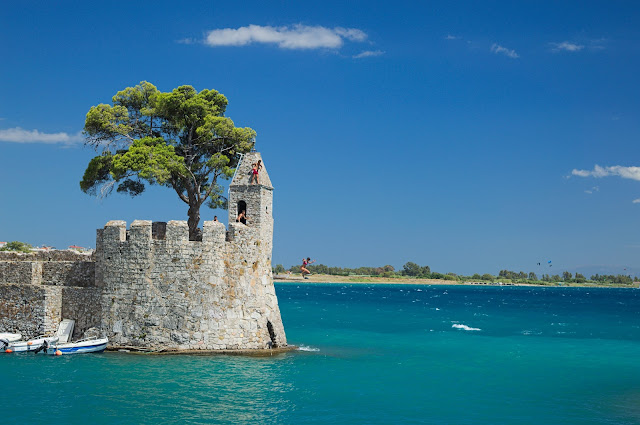
The entrance of the port with teenagers falling from the stone wall, in Nafpaktos, Greece.

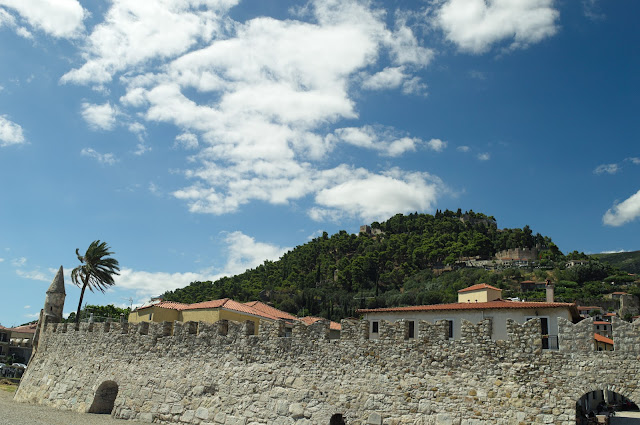
The stone wall of the port and the fortress on the hill behind in Nafpaktos, Greece.
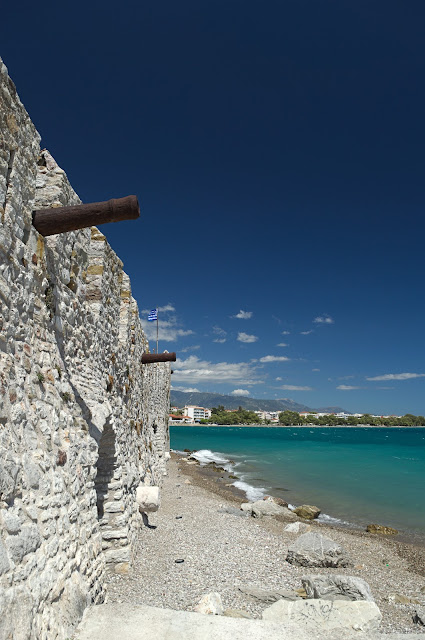
The stone wall of the port with the cannons in Nafpaktos, Greece.
At the entry of the port in Nafpaktos, Greece.

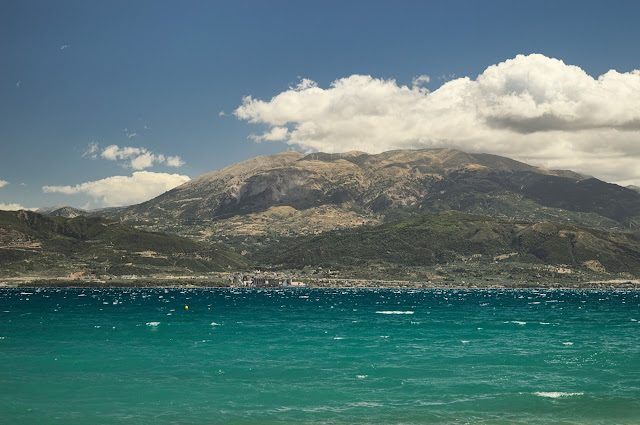
View of the Peloponnese from Nafpaktos, Greece.
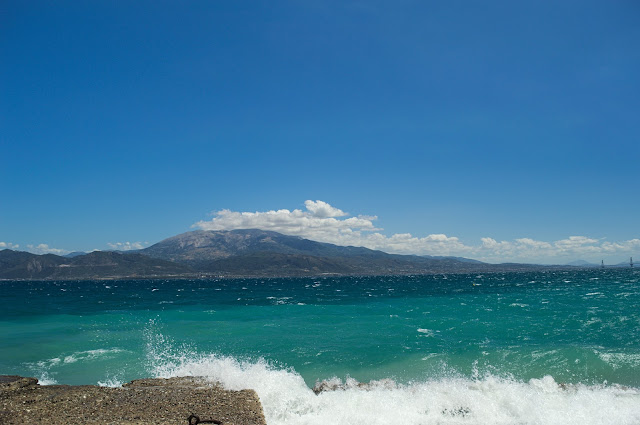
View of the Peloponnese from Nafpaktos, Greece. Notice the small waves, it was a bit windy when we visited Nafpaktos.
Rio–Antirrio bridge view from Peloponnese.
Rio–Antirrio bridge view from Peloponnese


Popular posts from this blog

Processing Milky Way in RawTherapee

This text is an analysis of a video I did some months ago how to process photos of our Milky Way in RawTherapee. You can find the picture here . The photo was taken by wiegemalt. This work is licensed under a Creative Commons Attribution-NonCommercial-ShareAlike 4.0 International License. Editing: Step 1: Fixing lighting The first thing someone notices when opening the picture is the extreme noise due to high ISO used (1600 - check the picture on the right). The first thought is to de-noise the picture, however, if you do that you are going to loose the details of the night sky. The main reason for the high noise is the additional exposure Rawtherapee adds when the 'Auto' button is pressed. In particular, the RT adds +2.4 EV to equalize the picture. This is Wrong! What we want is to keep the noise down and at the same time bring the stars up. That's why we are going to play with the Tone Curve of the RT. To adjust the light properly we increase the cont...

RTL-SDR Blog V3 Arrived

I recently bought a new RTL dongle that supports Direct Sampling that allows frequencies less than 40Mhz. In particular, the model I ordered was the RTL-SDR BLOG V.3. DONGLE that was really cheap compared with other solution. It still can't reach the quality of the other more expensive receivers, but it still a step up. The Dongle comes with a long external antenna. The RTL dongle. So, the question now is how better is from my old SDR. I did a check with the RTL power tool to see what is the difference. My old SDR Dongle (Fitipower FC0013) has coverage from 22 to 1100 MHz. The new Dongle RTL Blog V3 a has Rafael Micro R820T has coverage from 24 - 1766 MHz, but it also contains Direct Sampling that allows for High Frequencies. A word of warning here, the reception using Direct Sampling is very bad, especially if you connect the antenna without a filter band or/and preamplifier. I did experiments using the rtl_power, and the results showed much more gain for the ne...

Auto - Vectorization with little help from GCC!

This tutorial helps the programmers to benefit the progress of the auto-vectorization algorithms that are implemented in modern compilers, such as gcc. Before you start playing with the vectorization of your code i assume that you don't have any bottleneck in you code (like dynamic memory allocation etc) in the critical path. In this tutorial we will use the gcc 4.4.1, but the same steps can be applied to newer or older versions.  First of all there are two issues with auto vectorization:  1) gcc must know the architecture (eg what SIMD instructions are available)  2) The data structures must by properly aligned in memory The first step is to find the architecture of your processor and point it to gcc using the flags -mtune=... / -march=... you specify the architecture.  For example, my laptop is core2Duo so i put -march=core2. You can find more more information  here .  The next problem we must solve is knowledge of memory alignment. ...